For marketers
Campaigns
A campaign is what you actually build and send in Better Email. Every campaign is based on a design system, which means the design system decides the layout, the available modules, and the editing experience.
How campaigns work
The workflow is simple:
- Choose a design system and, when testing a staged version, its Live or Candidate channel.
- Add and arrange modules.
- Fill in the content and settings.
- Review, preview, and test the result.
- Export to your integration.
Because campaigns inherit their structure from design systems, a good design system makes campaign production much faster and safer.
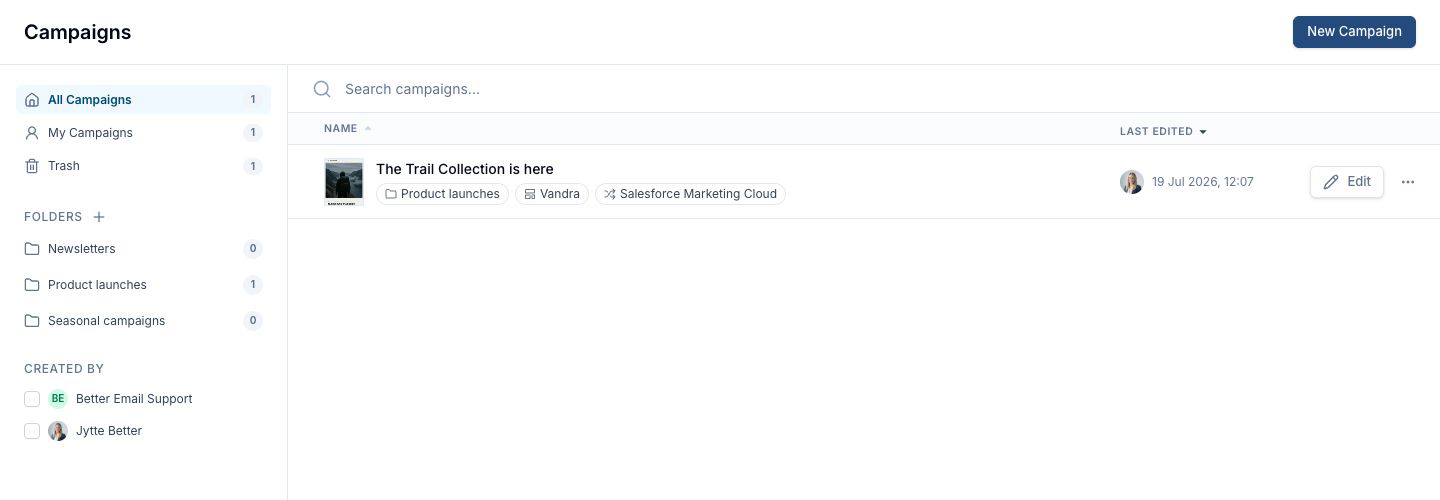
What you can do in a campaign
Depending on your setup and permissions, you can:
- add, remove, and reorder modules
- edit global and module-specific settings
- preview the campaign in different sizes
- use merge tags and segmentation
- collaborate with teammates in real time
- work through revisions, feedback, and approvals
- send the campaign through review and approval
- export the final result to an integration
Campaign types
If your Organization uses Campaign types, you pick a type when you create a Campaign instead of a Design System. The type brings the Design System, Destination, Folder, approvers and naming scheme with it.
Design System channels
Every Campaign is created on a Design System channel:
- Live follows the latest published release and is the default.
- Candidate follows the version currently staged for testing.
Only Admins and Designers can create or clone a Campaign onto Candidate. Editors can work in an existing Candidate Campaign. The channel cannot be changed after creation; see Candidate testing for the preview and clone workflow.
Roles
Admins, Designers, and Editors can create and edit Campaigns. Reviewers can view, comment on, and approve Campaigns without changing their content. Design System editing is restricted to Designers and Admins.