34 posts tagged with "News"

View All Tags

Smaller Improvements

Nicki Pabst
Co-founder & Email wizard
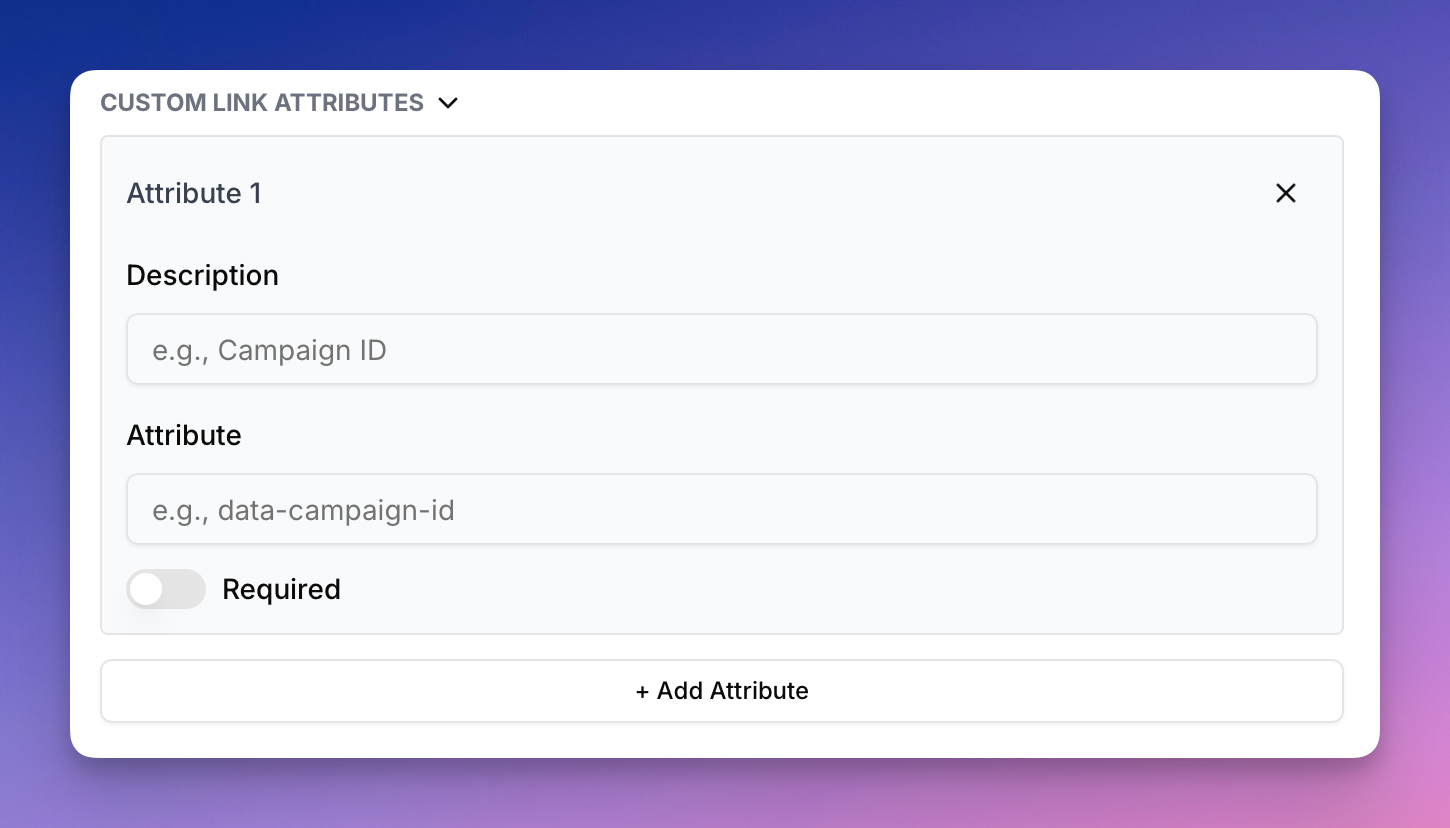
  • You can now add custom attributes on links in the rich text editor.
  • Customer.io integration now supports "Broadcasts"

... and other small UI/UX improvements

Customer.io Integration

Nicki Pabst
Co-founder & Email wizard

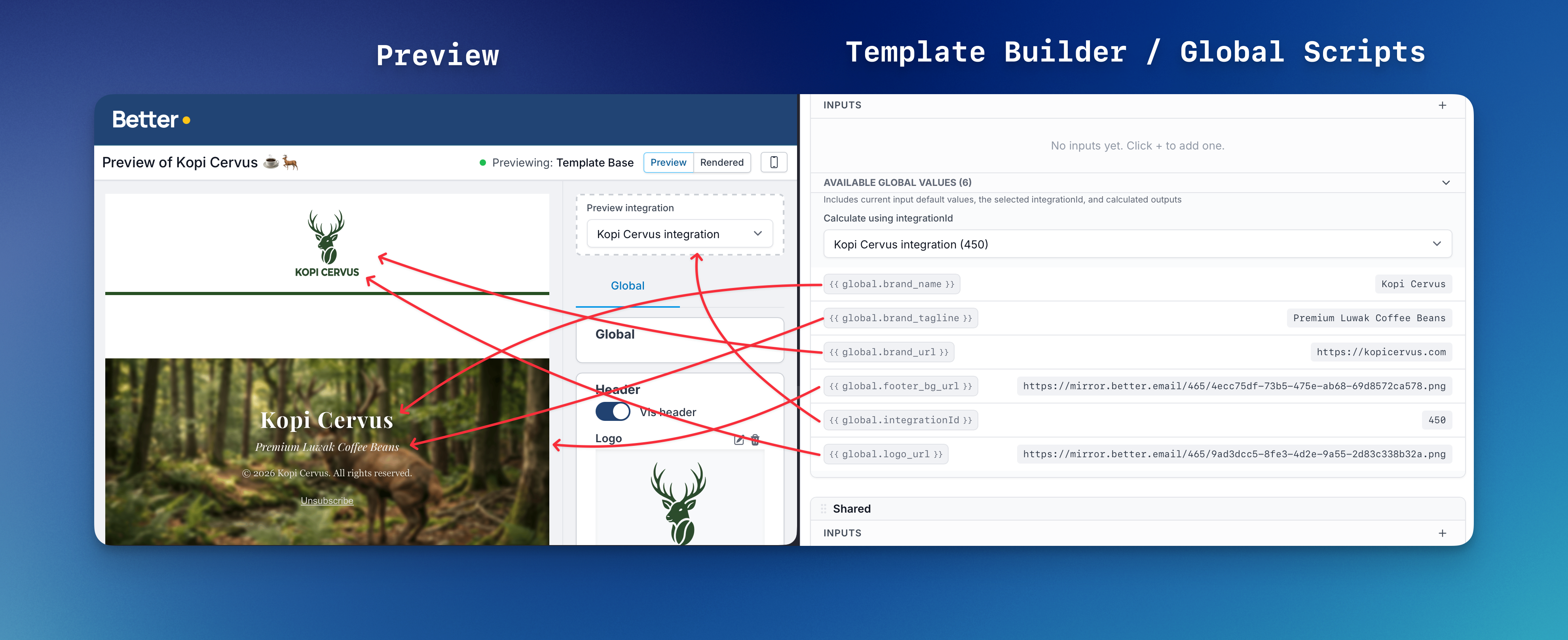
Today we're launching our Customer.io integration and its many ways of sending Email messages.

So if you've been contemplating switching to the platform, but still need that bit design and production boost the Better Email platform provides? Now you can indeed have it both ways.

Link Tracking

Nicki Pabst
Co-founder & Email wizard

We have an early Christmas present for those of you who have a need for creating tracking attributes for your links. Merry Christmas 🎄

Editor Improvements

Nicki Pabst
Co-founder & Email wizard

Today we're bringing a small handful of improvements for the email and template editor.

  • Correctly show "move" cursor when dragging an email block
  • Improved and faster image size detection warnings
  • "Insert Merge Tag" button now available from Template Editor preview as well
  • Show "Components" tab by default when opening Email Editor

Sending Test Email

Nicki Pabst
Co-founder & Email wizard

It's now possible to send a test email directly from Better Email, without having to export the email to your ESP first!

Send to multiple receivers by comma-seperating emails in the input. Quick and easy!

Secondary Actions from Emails Overview

Nicki Pabst
Co-founder & Email wizard

Now there's easy access to "Email Settings" and the "Clone feature" directly from the Email overview!

This makes it much easier to quickly change the name of an email from the overview.

We also introduced lots of smaller UI/UX improvements, all with the goal to make you more productive! 💪

Improved Export Flow

Nicki Pabst
Co-founder & Email wizard

We just released a change to the export flow, which means you will now be able to see when the email was last exported! Furthermore, we also show if you've made changes in Better Email that you haven't exported yet.

Export flow changes

When you click Export, you will see a new dialog confirming the export. It will also present any additional options related to the export.

Export dialog

Developer Documentation Launched

Nicki Pabst
Co-founder & Email wizard

We're happy to announce that today we've launched our extensive Developer Documentation 🧑‍💻!

The documentation is aimed at template designer/developers, and documents all the features of Better Email's Platform with plenty of examples.

We're excited to hear your feedback!

HubSpot Integration

Nicki Pabst
Co-founder & Email wizard

Today we're launching our HubSpot integration. With one click, you can export your email into a new Marketing Email in HubSpot - and send out your campaign in seconds!

Folders with Permissions & Extended Filtering

Nicki Pabst
Co-founder & Email wizard

Today, on the last day of the year, we are happy to ship two exciting features!

1. Folders with permissions

You can now organize your emails within folders! It's super easy, you create a new folder from the filter sidebar and give it a name.

After saving, you will see the Folder in the sidebar. You can move an email to a folder by clicking the folder name next to the emails and selecting the new folder from the dropdown.

You can use the folders to group and categorize emails. For example by type (Weekly Newsletter, Drip Campaign, Seasonal Campaigns) or by market (Denmark, Norway, Sweden).

Furthermore, it's possible to restrict access to folders to specific persons. This is useful if you're a larger organization that for example needs to restrict access such that persons responsible for a certain market (Denmark) cannot edit emails for another market (Sweden).

By default, everyone has access to a folder. Admins can always access all folders and emails.

2. Extended Filtering

In the Emails overview, we've introduced a new sidebar. The sidebar contains helpful filtering options to easily find the right emails. You can filter by "My Emails" (emails created or edited by you), Folders (new), Templates and by emails created by specific persons.

We hope these new features will be useful for you. As always, feedback is highly appreciated.

Happy New Years 🎆🎉