Sending Test Email
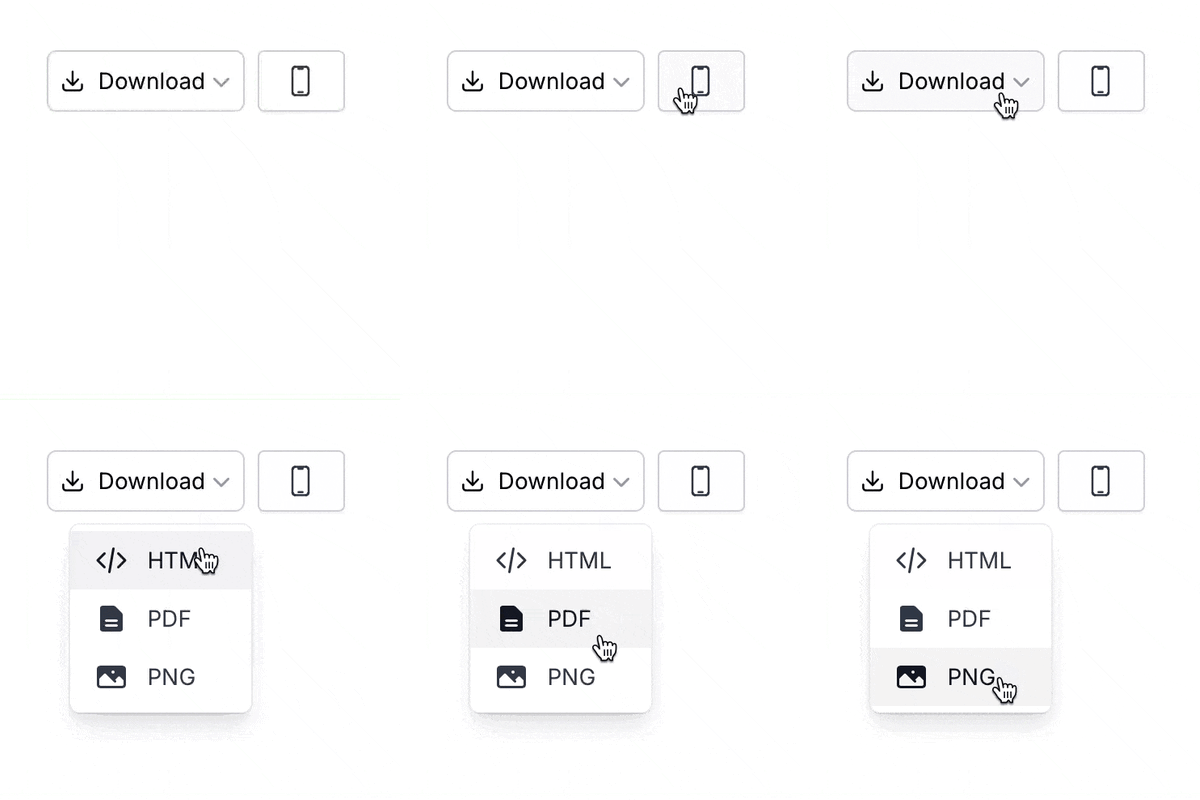
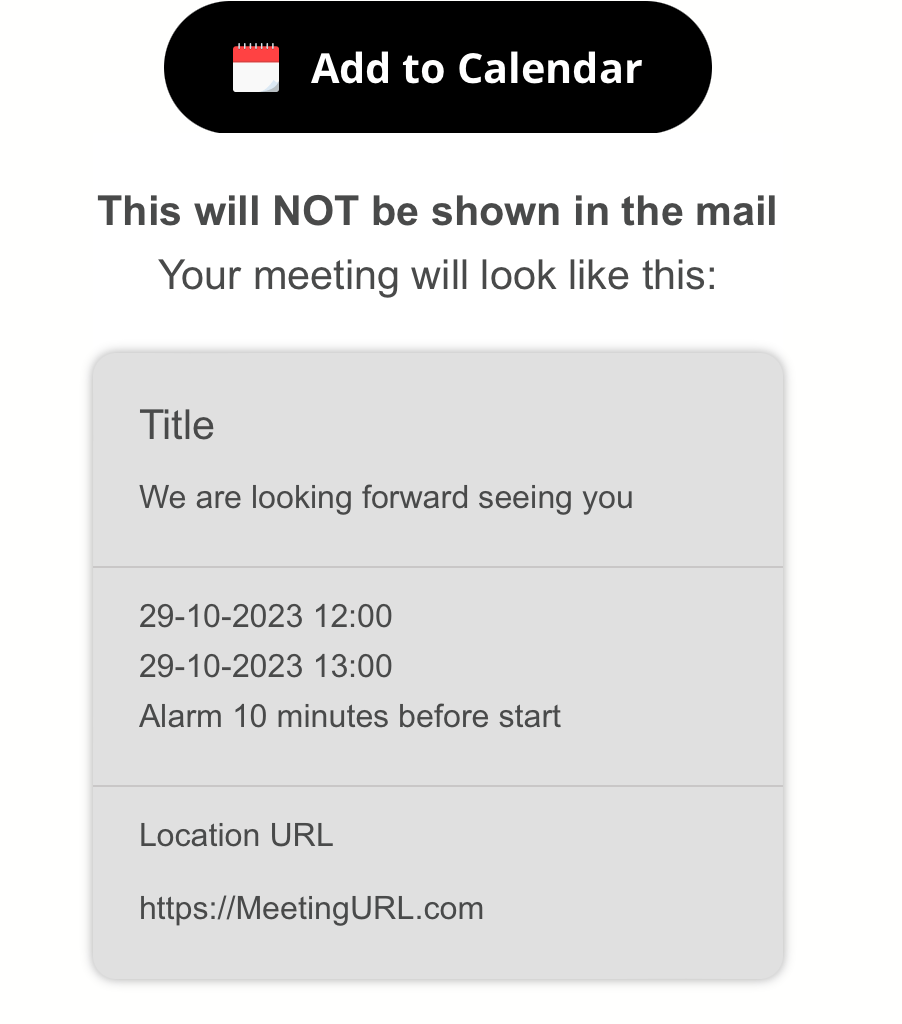
It's now possible to send a test email directly from Better Email, without having to export the email to your ESP first!
Send to multiple receivers by comma-seperating emails in the input. Quick and easy!
It's now possible to send a test email directly from Better Email, without having to export the email to your ESP first!
Send to multiple receivers by comma-seperating emails in the input. Quick and easy!
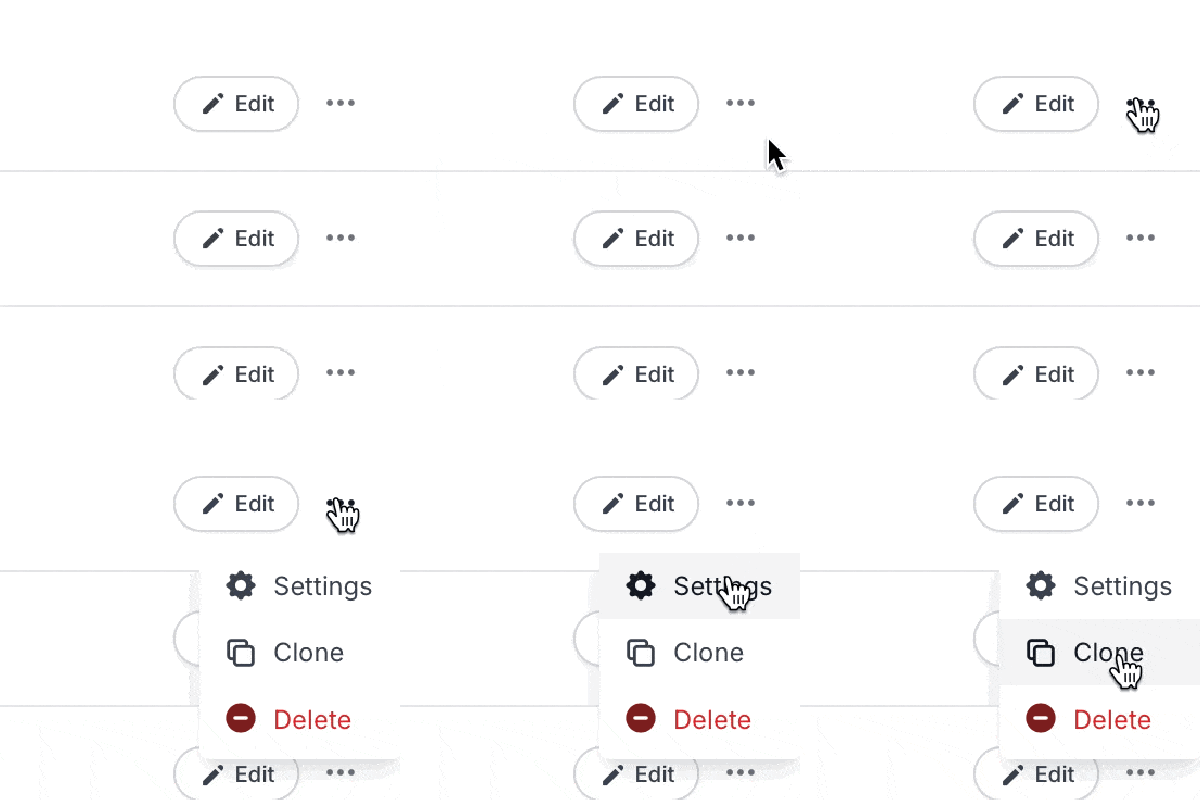
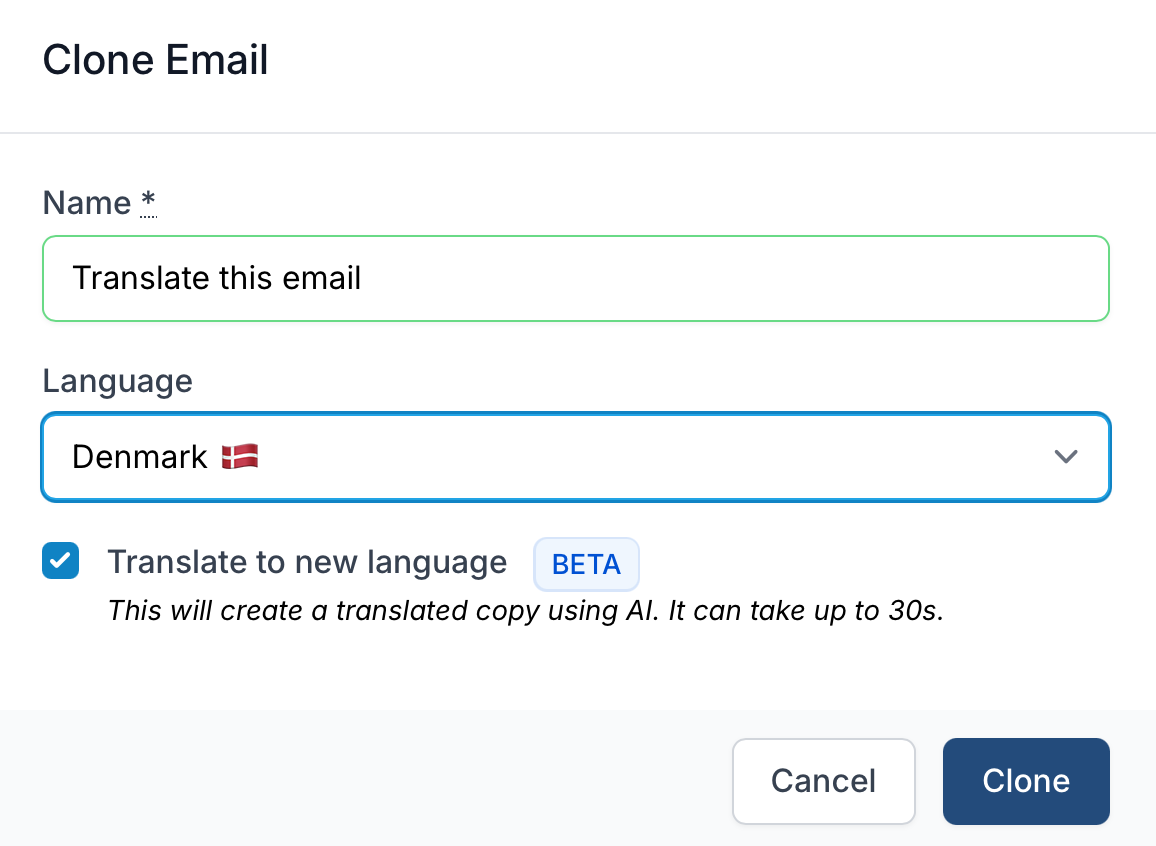
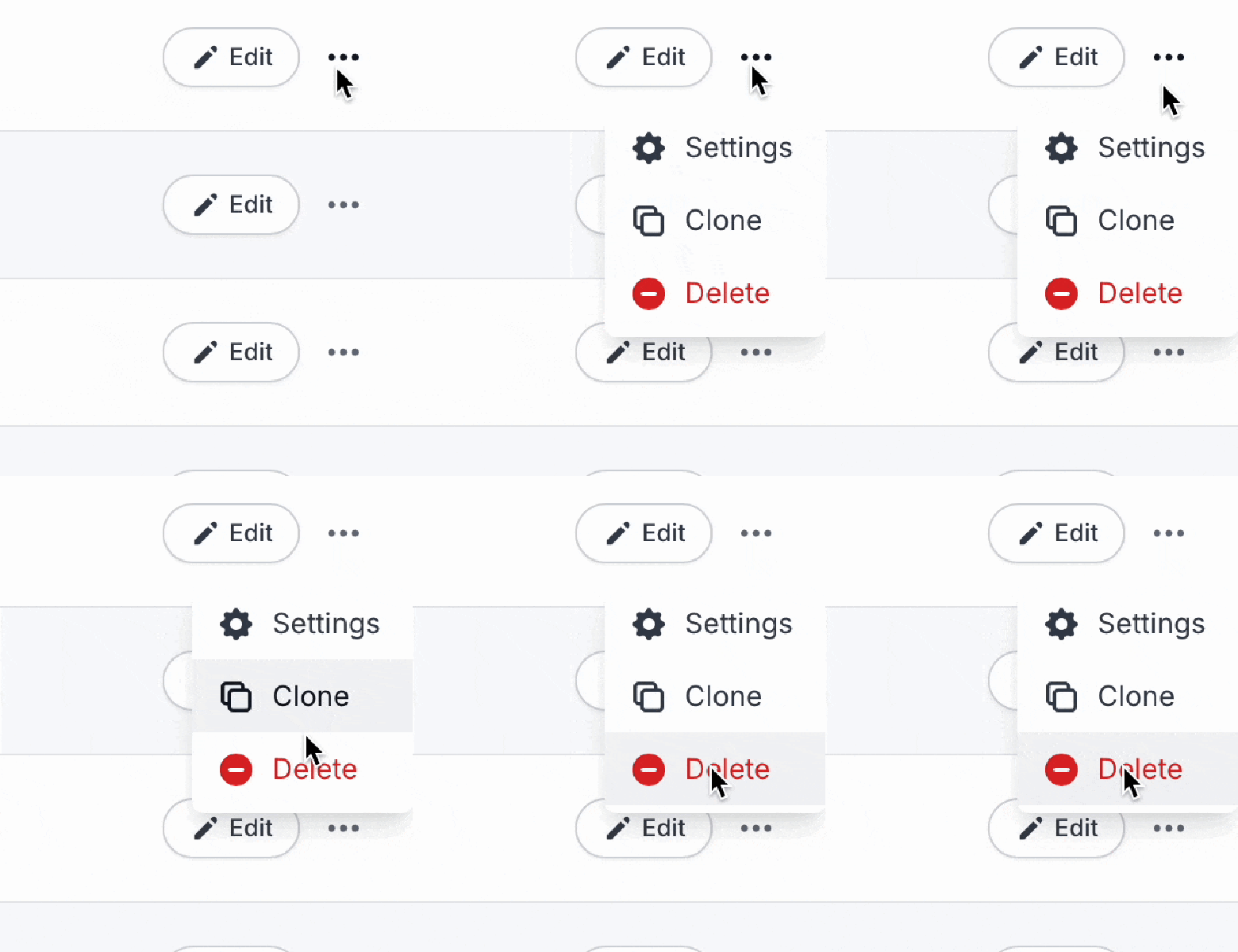
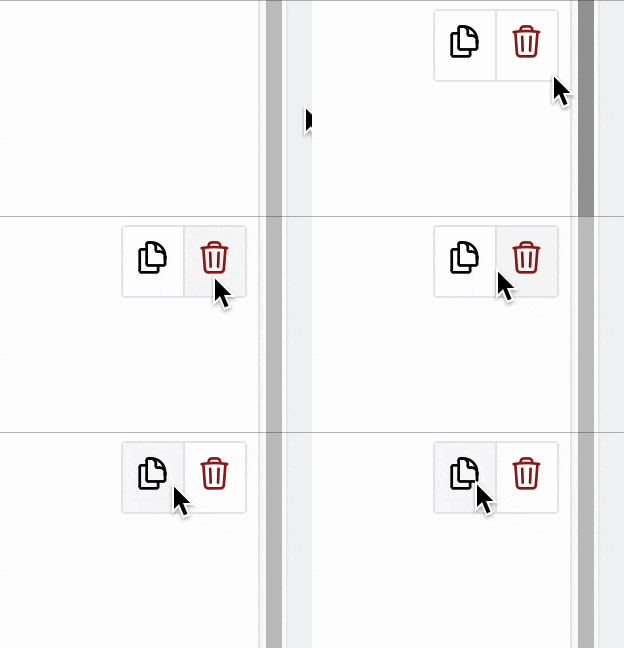
Now there's easy access to "Email Settings" and the "Clone feature" directly from the Email overview!
This makes it much easier to quickly change the name of an email from the overview.
We also introduced lots of smaller UI/UX improvements, all with the goal to make you more productive! 💪
We just released a change to the export flow, which means you will now be able to see when the email was last exported! Furthermore, we also show if you've made changes in Better Email that you haven't exported yet.
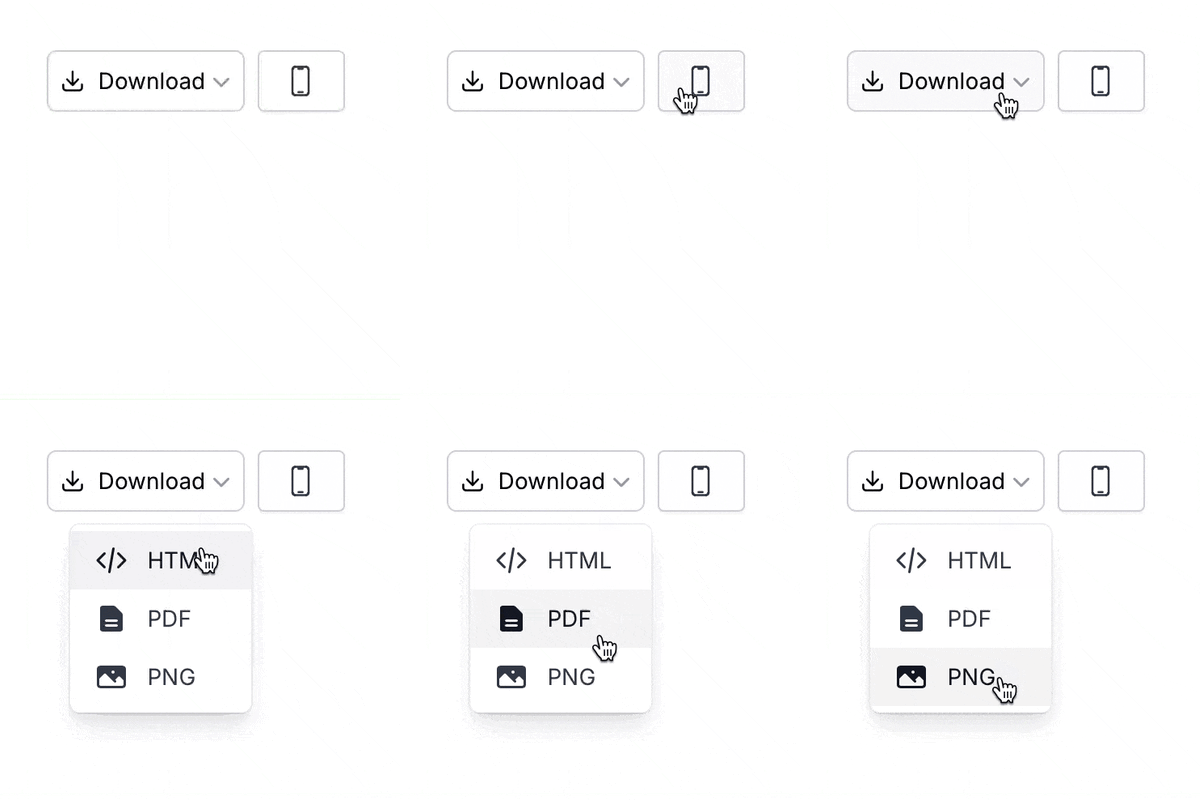
When you click Export, you will see a new dialog confirming the export. It will also present any additional options related to the export.

We're happy to announce that today we've launched our extensive Developer Documentation 🧑💻!
The documentation is aimed at template designer/developers, and documents all the features of Better Email's Platform with plenty of examples.
We're excited to hear your feedback!
Today we're launching our HubSpot integration. With one click, you can export your email into a new Marketing Email in HubSpot - and send out your campaign in seconds!
Today, on the last day of the year, we are happy to ship two exciting features!
1. Folders with permissions
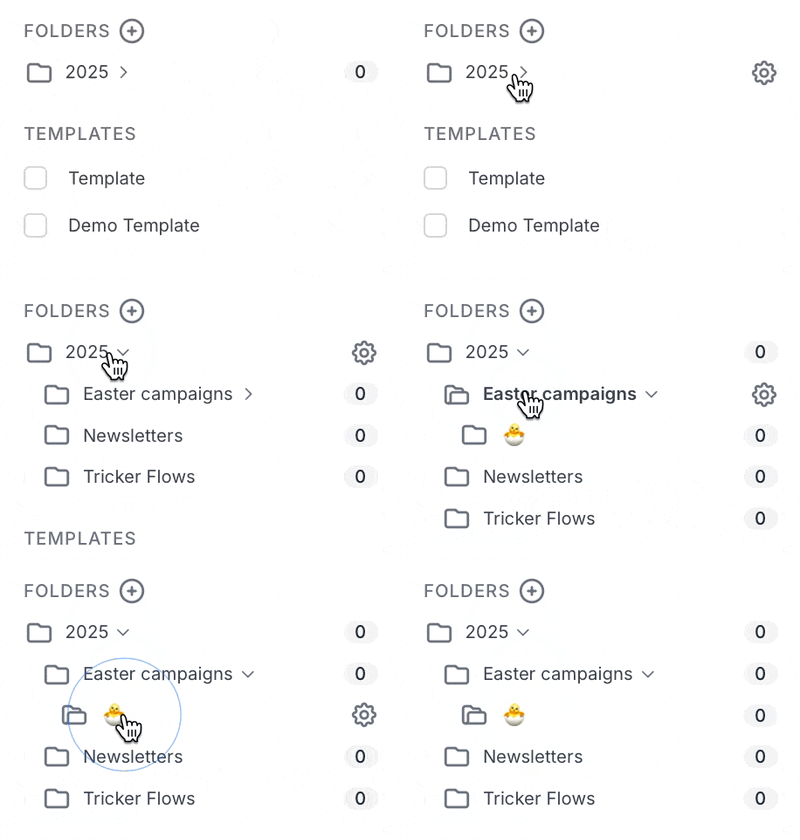
You can now organize your emails within folders! It's super easy, you create a new folder from the filter sidebar and give it a name.
After saving, you will see the Folder in the sidebar. You can move an email to a folder by clicking the folder name next to the emails and selecting the new folder from the dropdown.
You can use the folders to group and categorize emails. For example by type (Weekly Newsletter, Drip Campaign, Seasonal Campaigns) or by market (Denmark, Norway, Sweden).
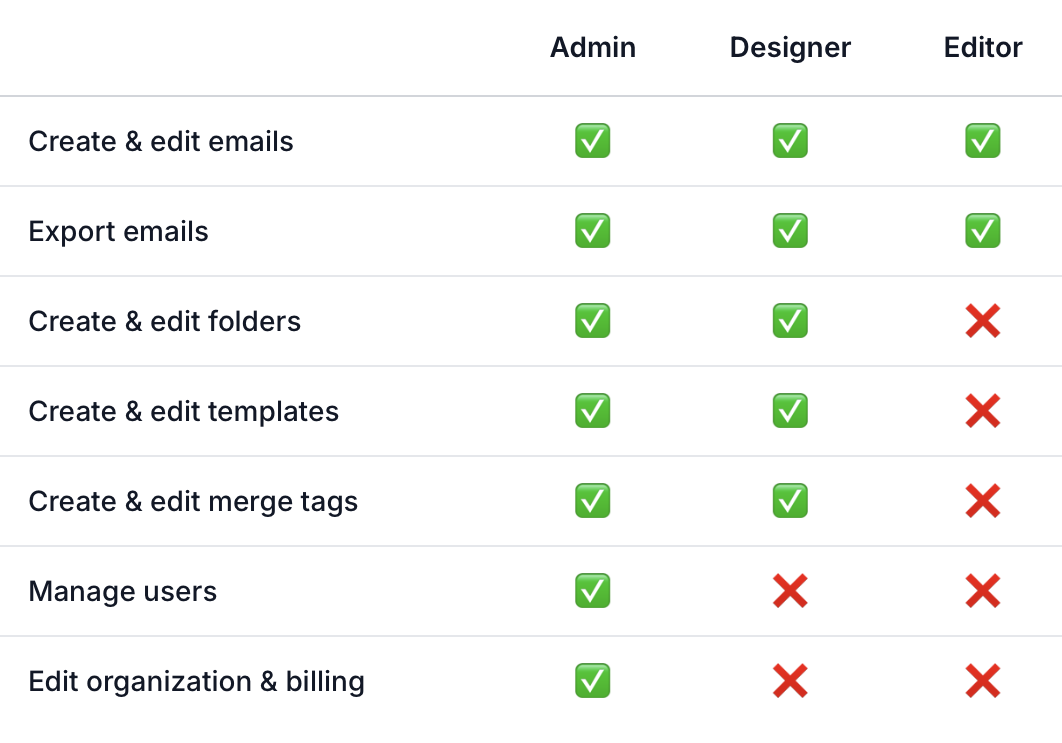
Furthermore, it's possible to restrict access to folders to specific persons. This is useful if you're a larger organization that for example needs to restrict access such that persons responsible for a certain market (Denmark) cannot edit emails for another market (Sweden).
By default, everyone has access to a folder. Admins can always access all folders and emails.
2. Extended Filtering
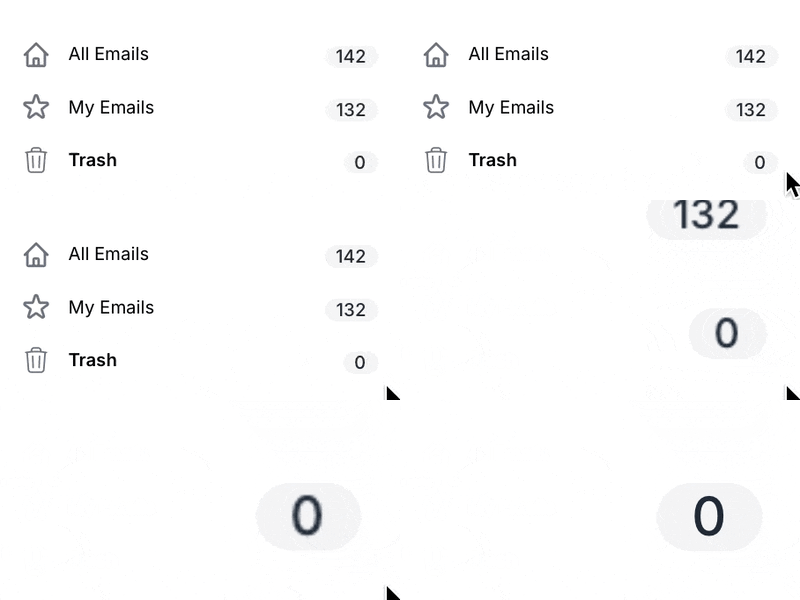
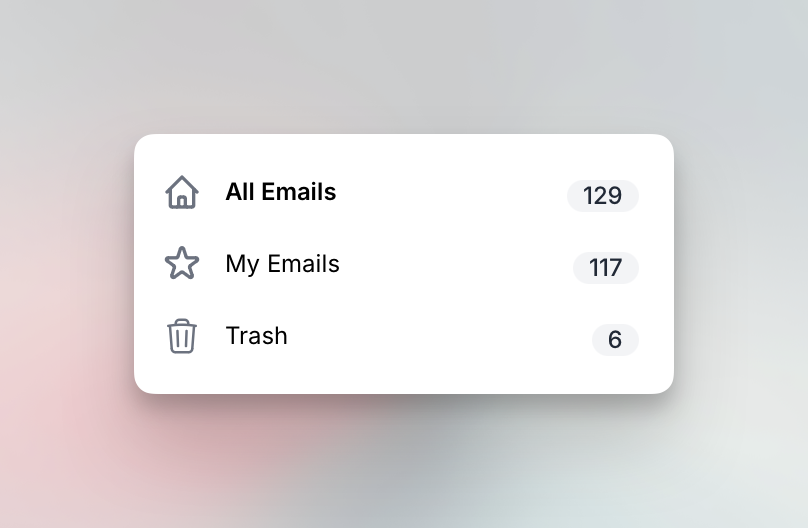
In the Emails overview, we've introduced a new sidebar. The sidebar contains helpful filtering options to easily find the right emails. You can filter by "My Emails" (emails created or edited by you), Folders (new), Templates and by emails created by specific persons.
We hope these new features will be useful for you. As always, feedback is highly appreciated.
Happy New Years 🎆🎉
Based on valuable feedback from our customers, we've decided to rename Designs to Templates.
The word "Template" more closely resembles the industry standards and are familiar to most. In general, the "Template" word is understood to mean a template of HTML/CSS.
In Better, a Template is HTML/CSS, but so much more than that. It also contains your components, settings and logic.
We believe with this renaming, it will be easier for new customers to get started with Better.
For all you visually-minded persons out there, we've introduced a thumbnail previews for emails as well as an new way to browse your emails, Grid View.
In List View, small thumbnails show next to the name. If you hover over the thumbnail, you will see a full-size preview of the email.
In Grid View, larger thumbnails are shown to make it easy to scan through your emails based on the actual email design.

It's not always easy to find the that specific email you were working on a few days ago.
Today, we're launching a new feature that will allow you to search across all emails. You can also sort the emails by clicking the column headers (Name, Design, Updated).

We know, Emails + Images = 🤯. Getting images right is hard. Resizing in right proportions, supporting DPI and compressing them correctly and in formats that all email clients can read takes time and effort. Introduce dynamic sizing/proportions based on breakpoints or component settings, and it becomes and almost unmanageable task to upload all the right image versions.
Introducing our new image helper, the imgTag filter you can now use in your templates. It makes it super easy to work with images, allowing automatic resizing and many other features.
Check out the developer docs for more details.