Unicode 18.0 has nine new emojis, but email support will take time

Unicode 18.0 includes nine new emoji concepts. There is a cracking face, a pickle, a meteor, and even a net with a handle. But if you work with email, the important part is what happens next: these emojis are not ready for campaigns yet.
The nine new emojis in Unicode 18.0
Unicode 18.0 adds nine new emoji characters. The two thumb signs also come in five skin tones each, bringing the total to 19 new emoji options.

Cracking Face

Leftwards Thumb Sign

Rightwards Thumb Sign

Monarch Butterfly
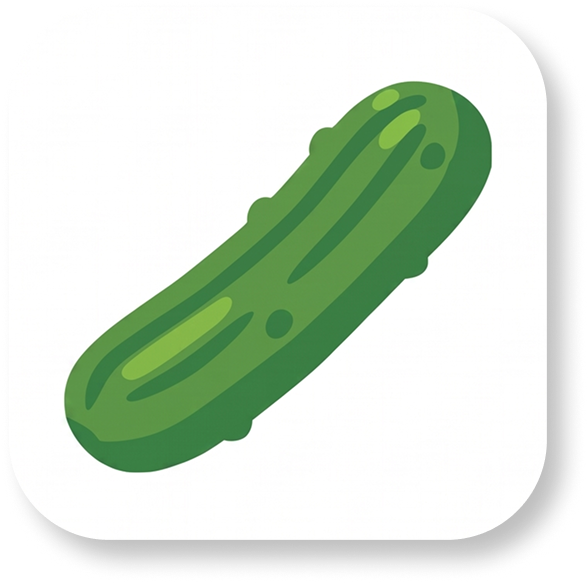
Pickle
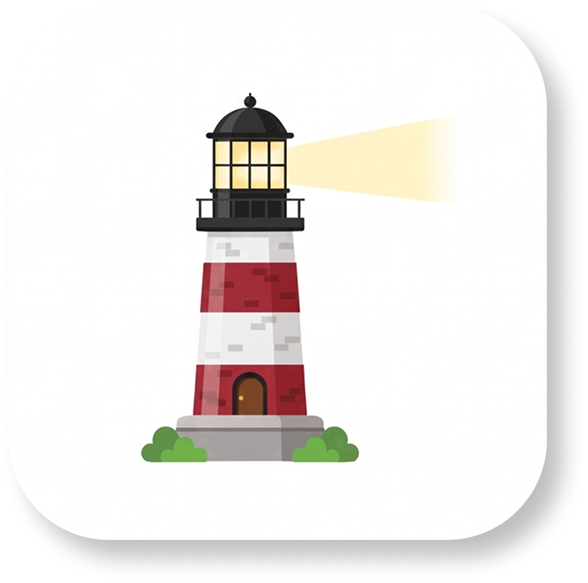
Lighthouse

Meteor
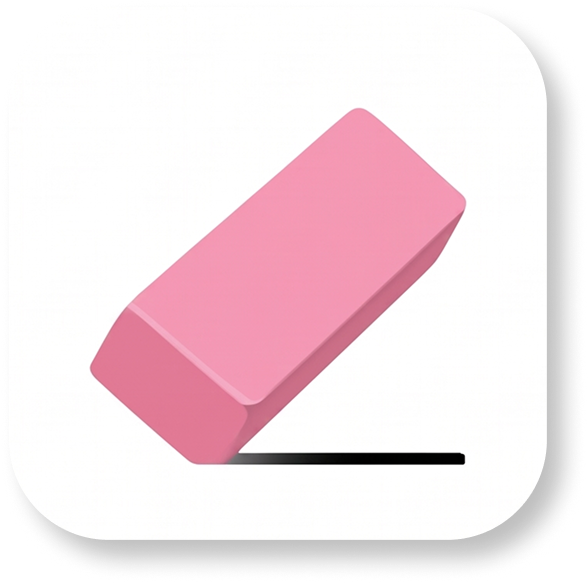
Eraser

Net With Handle
Preview artwork by Jennifer Daniel, chair of Unicode's Emoji Standard and Research Working Group.
The names may sound literal, but emoji rarely stay literal for long. Cracking Face can express the effort of keeping it together. Pickle is ready for awkward situations. Lighthouse works for guidance or finding a way through. Eraser can signal a correction, while Net With Handle is an obvious choice when you finally catch what you were looking for.
Why you still cannot rely on them in email
Unicode defines the characters, but it does not put finished artwork on every phone and computer overnight.
Apple, Google, Microsoft, and other vendors must create their own designs. Those designs then need to ship in operating system updates. Browsers, apps, and email clients must use fonts that understand the new characters. Finally, recipients need to install the updates.
Until that chain is complete, a new emoji may appear as an empty box, a question mark, or a plain black and white symbol. The sender can see the intended design while the recipient sees something completely different.
This is especially risky in subject lines. A missing character sits next to the words that determine whether someone opens the email. It can make a polished campaign look broken before the message is even opened.
New does not mean supported
We saw the same pattern with Unicode 17.0. In our test across 17 email clients, its newest emoji characters did not render reliably in any of the six representative environments we compared. Ballet Dancer also broke into separate characters in some clients instead of appearing as one emoji.
You can read the full results in our Unicode 17.0 email client test.
Unicode 18.0 starts from an even earlier point in the adoption cycle. The code points are fixed, but broad client support will take time. For now, use the images above as previews, not as characters to paste into a campaign.
What email marketers should do
Keep using familiar emojis with proven support. If the meaning of a subject line depends on an emoji, write the words too. The message should still make sense when the symbol is missing or rendered differently.
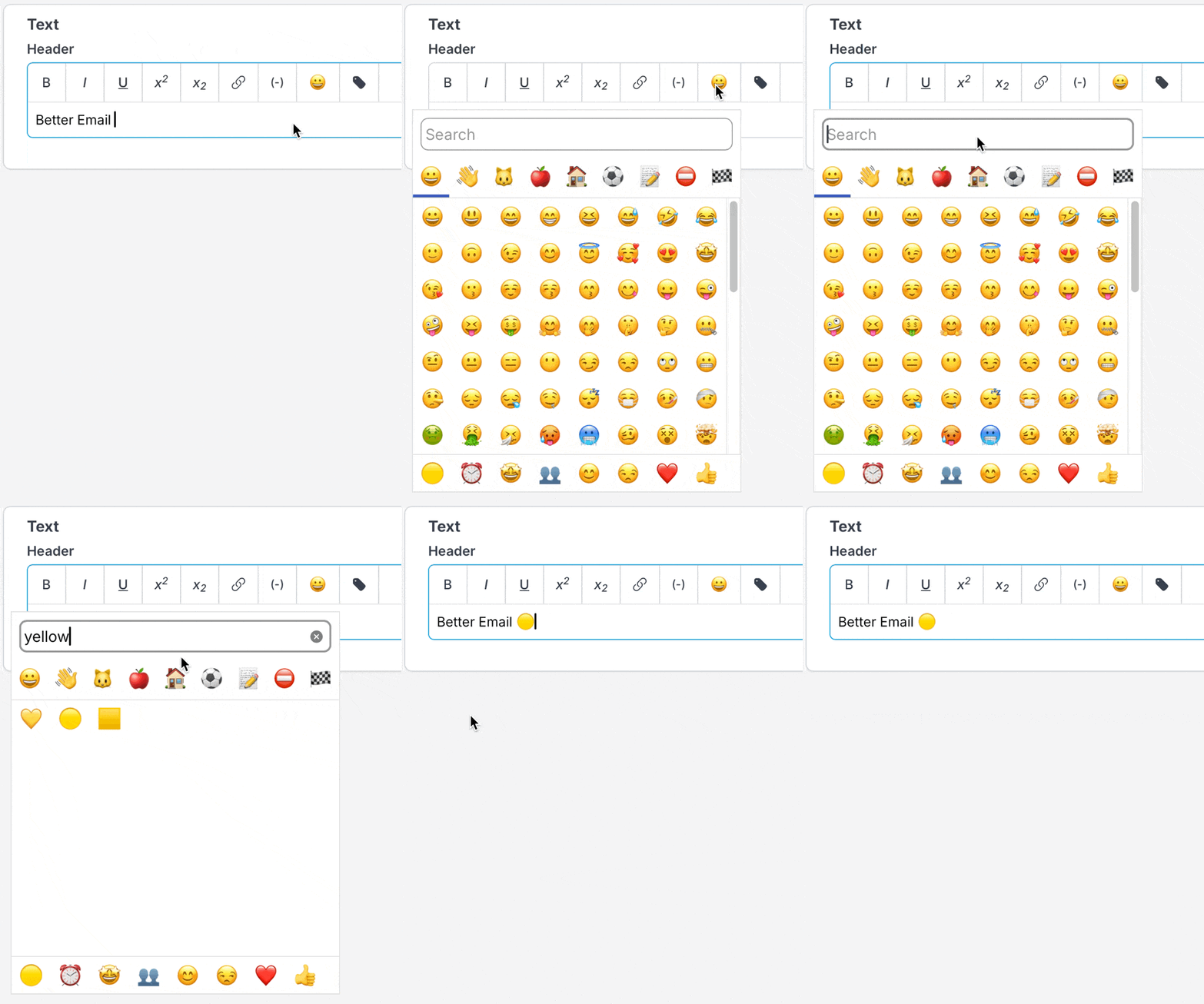
Better Email includes an emoji picker inside the editor. It filters out unknown, very new, and poorly supported characters. If one of the Unicode 18.0 emojis is not available there yet, that is deliberate. We will add new characters when they can be used without turning your subject line into a row of empty boxes.
For characters you can use now, see our email emoji compatibility guide.
The new set is fun, and we are looking forward to the first genuinely useful pickle subject line. Just give email clients time to catch up before you send one.
Ready to create campaigns with reliable emoji support? Try Better Email today.