Emails
An email is the campaign you actually build and send in Better Email. Every email is based on a template, which means the template decides the layout, the available modules, and the editing experience.
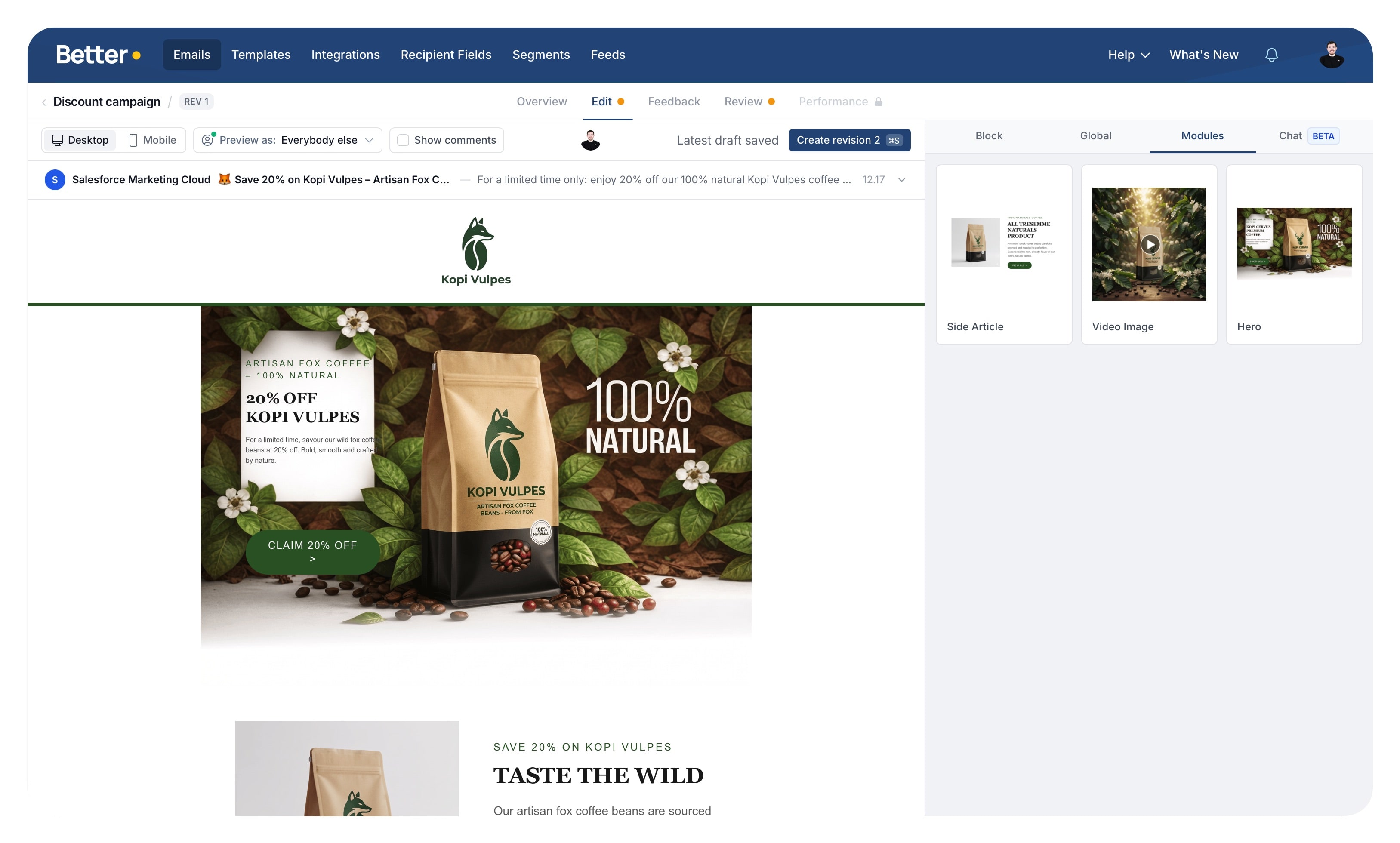
How emails work
The workflow is simple:
- Choose a template.
- Add and arrange modules.
- Fill in the content and settings.
- Review, preview, and test the result.
- Export to your integration.
Because emails inherit their structure from templates, a good template makes email production much faster and safer.
What you can do in an email
Depending on your setup and permissions, you can:
- add, remove, and reorder modules
- edit global and module-specific settings
- preview the email in different sizes
- use merge tags and segmentation
- collaborate with teammates in real time
- work through revisions, feedback, and approvals
- send the email through review and approval
- export the final result to an integration
Roles
All user roles can create and edit emails. Template editing is restricted to template-author roles, but the email workflow is meant for the full team.